Applied Minds
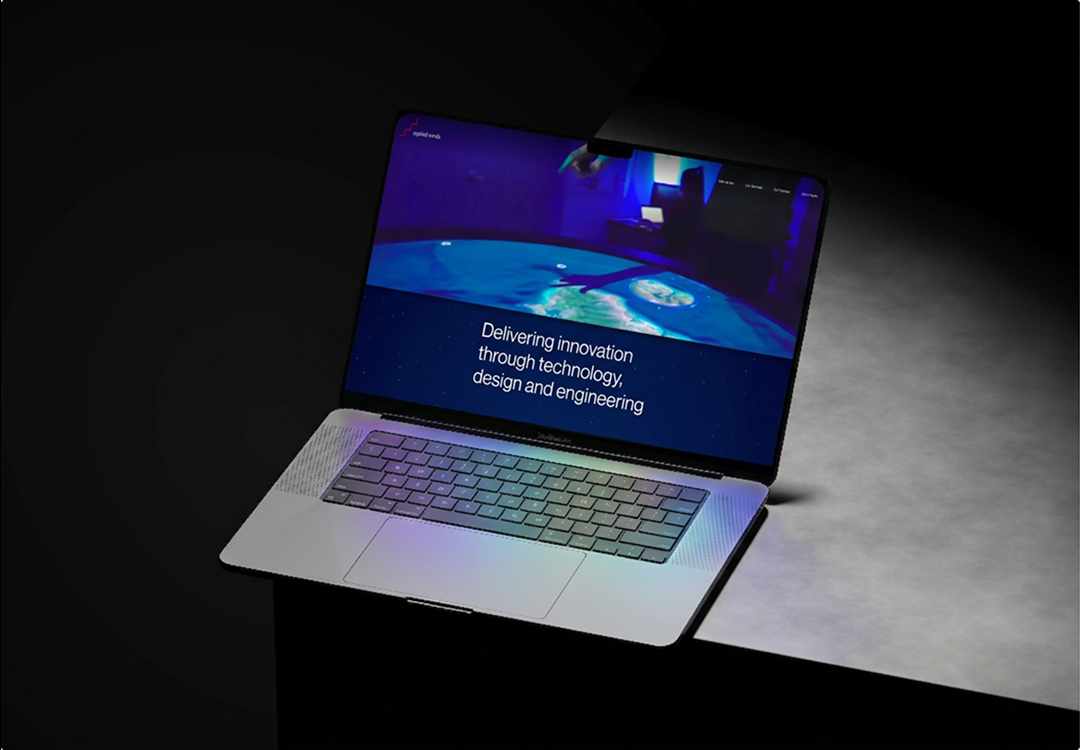
I designed interfaces and experiences for complex, novel software serving aerospace and defense clients, working alongside engineers in a multidisciplinary environment. Most of the work lives behind an NDA, so their website is the best place to get a feel for what we shipped. Day to day, I translated research and requirements into user flows, prototypes, and high-fidelity mockups, keeping development moving and aligning teams on design decisions.
Sector
Defense and Aerospace
Role
UI/UX Designer
Time
21-26
VCA-01
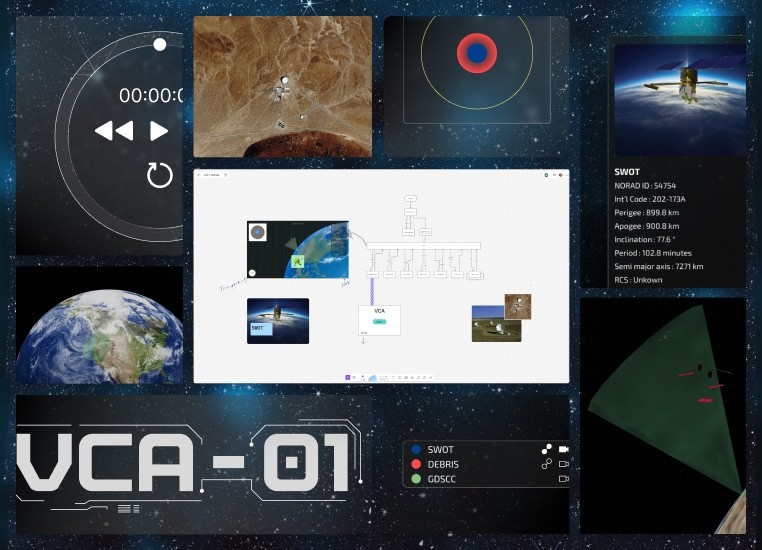
VCA-01, short for View of Closest Approach, is a self-initiated project built around a quiet fact: in low Earth orbit, satellites and debris pass within kilometers of each other constantly, and almost nobody sees it happen. The piece is an interactive 3D scene with proximity visualization, a custom control UI, and a ground station view, designed to make the idea of a conjunction approachable for anyone unfamiliar with it.
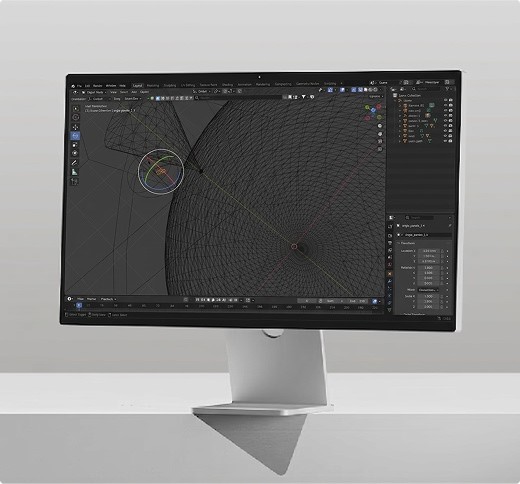
My 3D workflow began in Blender, where I built the scene end-to-end — modeling, lighting, orbital paths as guide curves, and cameras placed to set the framing.
Build
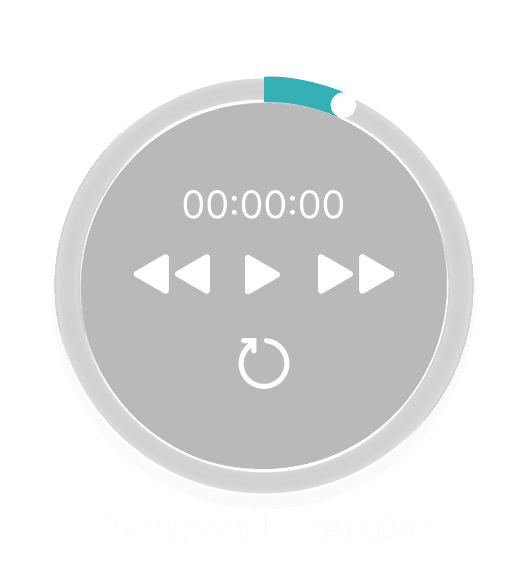
Layout started in Blender I rendered the scene from the framing I wanted and sketched UI positions on top, then brought those sketches into FigJam to lock in the user flow before committing to Figma. The UI itself uses transparency and blur to read as glass. present but not blocking the scene, tuned so text stays legible against the moving Earth behind it. The transport became a circle: every other UI element lives in a corner, and a horizontal bar across the bottom didn't sit right against that arrangement. My intent was for users to invoke each asset's info panel by clicking it directly in the scene — the satellite, debris, and ground station's cone. Testing made it clear that anyone unfamiliar with 3D navigation would struggle to position the camera, line up the click, and control playback all at once. So I made the assets selectable from the panel by clicking the asset name, and added a camera-lock button to each row so the user can frame any asset without wrestling the orbit controls.
Reflection
For the conjunction event itself, the 3D scene alone doesn't give a clear read on how close two objects actually are. I added proximity panels — concentric rings keyed to the real CDM thresholds spaceflight operators use (1 km, 5 km, 25 km). One panel centers on SWOT, the other on the debris; the opposing object moves through the rings in real time as the orbits play, so the user can have a 2D perspective of the spatial event. The two perspectives toggle independently from the asset panel, so the user can run either alone or stack them.
This first build was scoped for an in-person demo, which shaped the architecture: vanilla Three.js with all dependencies vendored locally so the whole thing runs offline — no CDN calls, no build step, no network reliance. The scene is a single GLB authored in Blender carrying the orbits, lighting, and cameras. Custom GLSL shaders drive the cone's green wave pattern and the procedural starfield behind it; GSAP handles the UI animations. The SWOT info panel was structured around the N2YO REST API response schema from the start, so when live TLE data gets wired up later, the panel can populate directly without restructuring. The next move is bringing it online.